CTC
112 – Microstation V8i
Student
Examples of Rendered Drawings and Images of 3d Plots (Fall 2017)
Note: Learning about the 3d printer took time away
from learning about 3d solids modelling, applying materials and rendering
Raymond H (Civil Engineering Technology)-Senior
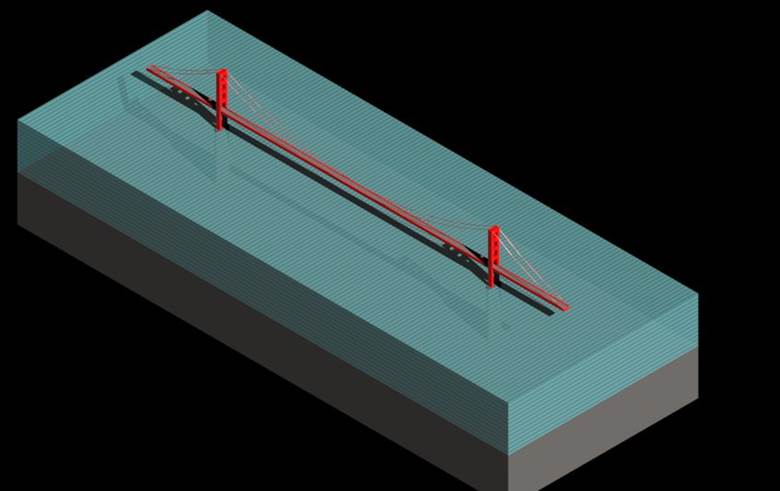
For my 3D drawing I decided to make the Golden Gate Bridge in San Francisco, California. The Golden Gate Bridge is a suspension bridge that spans the Golden Gate, a one mile strait connecting San Francisco Bay and the Pacific Ocean. The bridge was both the longest and tallest suspension bridge in the world when it was first opened in 1937. The drawing produced is roughly to scale and was drawn using the following values. The length of the main span, the distance between the two towers, is 4200ftand the length of the side spans are 1125ft. The entire bridge has a width 90ft with a roadway width of62ft. The clearance above the water is 220ft. The Bridge has two main towers that support two cables. The towers are 746ft above the water and 500ft above the roadway. The base dimensions of each leg of the towers are 33ft by 54ft. The actual towers are a tiered design with the dimensions decreasing as the height increases; however this is not shown in the drawing. The cables themselves are 363/8in in diameter. There are also 250 pairs of vertical suspender ropes spaced 50ft apart that were not included in the drawing. Each rope is 211/16in in diameter. The color of the bridge is International Orange (Golden Gate Bridge). The RGB values for this color were looked up and found to be (240, 74, 00). The most difficult part was trying to get the lighting and color of the bridge just right. This project was an excellent way to gain exposer to all the different 3D capabilities of the program.
M.K.
Hassan (Civil Engineering Technology)-Freshman (1st
semester)
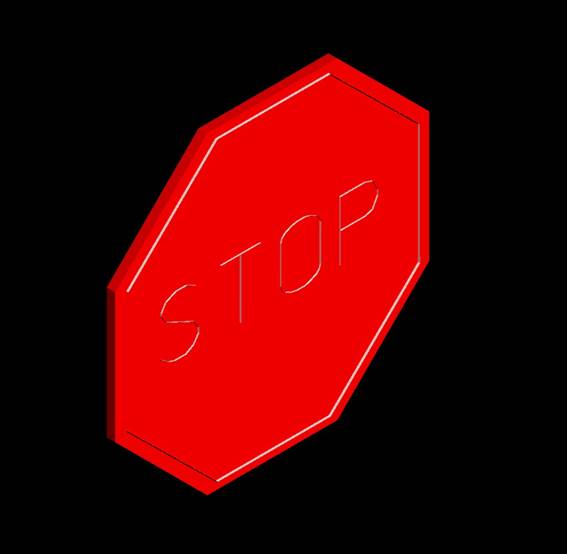
For my final project for MicroStation I decided to go with a stop sign design. I decided to go with this drawing because it was somewhat simple, yet tested my ability to make 3D drawings. I first started off with 3D polygonal shapes and paralleled the elements to give a thicker design for the render to show. Using a higher line weight, I was able to create an outline for the text to show. I then typed in the text with a thicker line weight. Then using the right view, I extruded the letters and the inside line to show on the shape. I used different levels to show the sign.
A.
Herringshaw (Civil Engineering Technology)-Freshman (1st
semester)
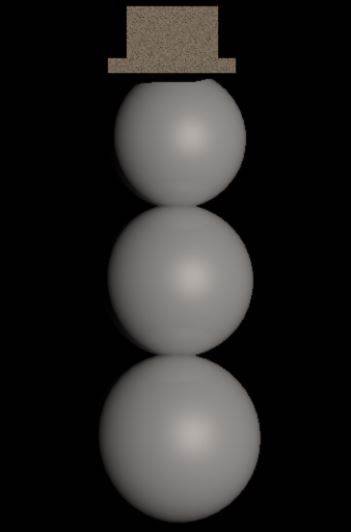
The object I
decided to draw was a snowman. I decided on the snowman because of all the
recent snow we have gotten. I drew the snowman by using the sphere tool and
then the solid slab tools. I then made sure they were all together so they
looked like a snowman. I then (with the help from you) turned my snowman white.
The things I learned this semester was how to use micro station, how to 3D
print, and how to 2D draw. It was a fun semester and I hope we have a few more
classes together in the future.
Ashley
B. (Civil Engineering Technology)-Freshman Trasnfer
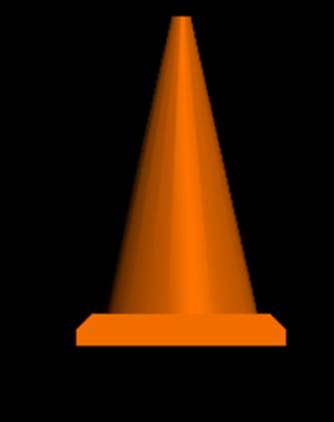
I decided to
make a cone, I know it is very simple and I wish I could have done a more complex
drawing, although the cone was still challenging for myself. I had to make sure each object was aligned in
each window. I chamfered the edges and
changed the material. I learned so much
this semester and became extremely proficient in two dimensional drawing which
I did not think was possible. Thank you
for the great semester and look forward to seeing you in January.
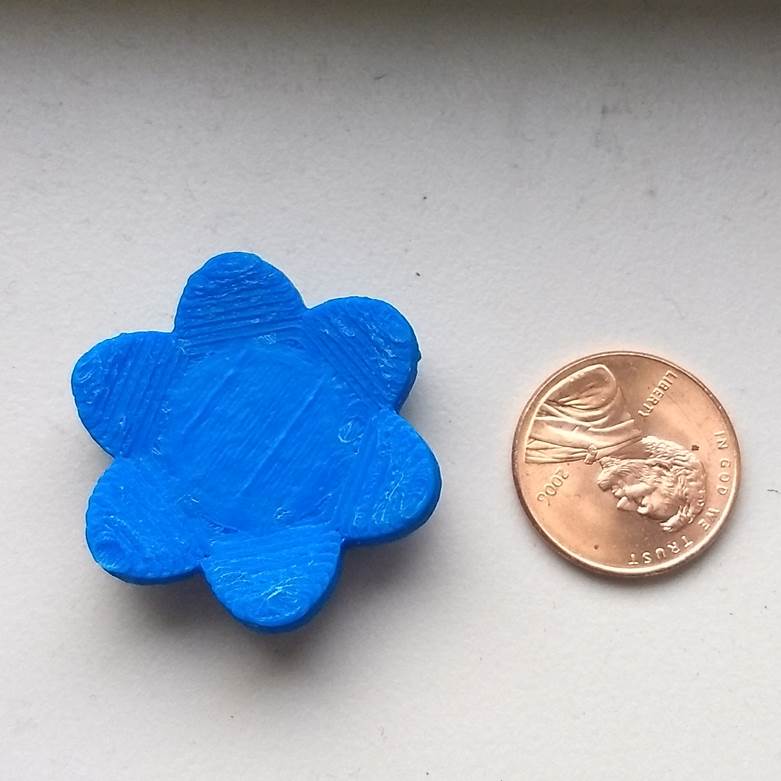
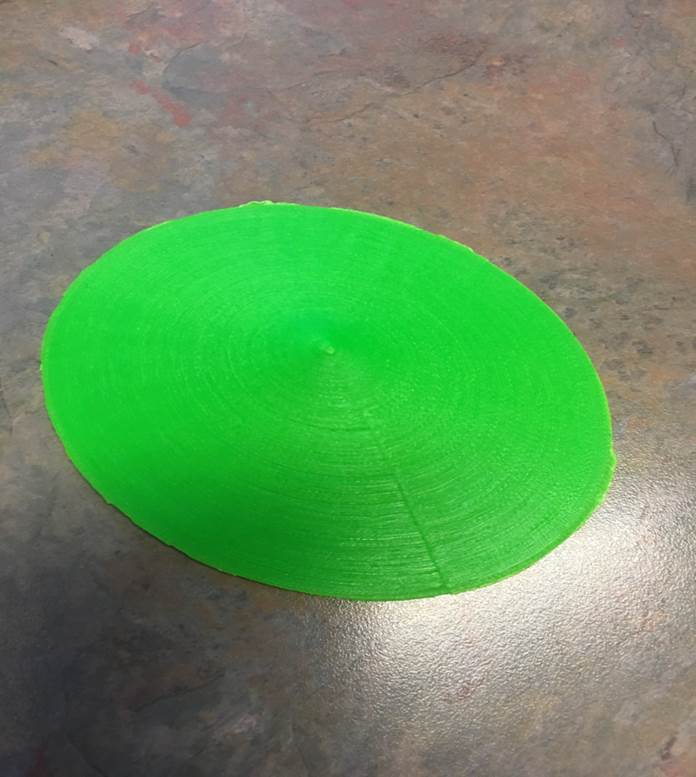
Images of Plots from 3d Printer (CubePro)